
Table of Contents
Quick Answer
A NetSuite ChatGPT integration or Claude integration uses Oracle’s AI Connector Service and Model Context Protocol (MCP) to connect AI assistants to NetSuite data. Setup involves enabling the required NetSuite features, installing the MCP Standard Tools SuiteApp, configuring role permissions, and authorizing the AI client. Test data access and permissions before rollout.
Introduction
Getting answers about NetSuite data through ChatGPT or Claude often involves exporting saved searches and uploading them to an AI assistant. It cuts out some of the manual work, but each export can quickly fall out of date, and access to the uploaded data is no longer controlled by NetSuite role permissions.
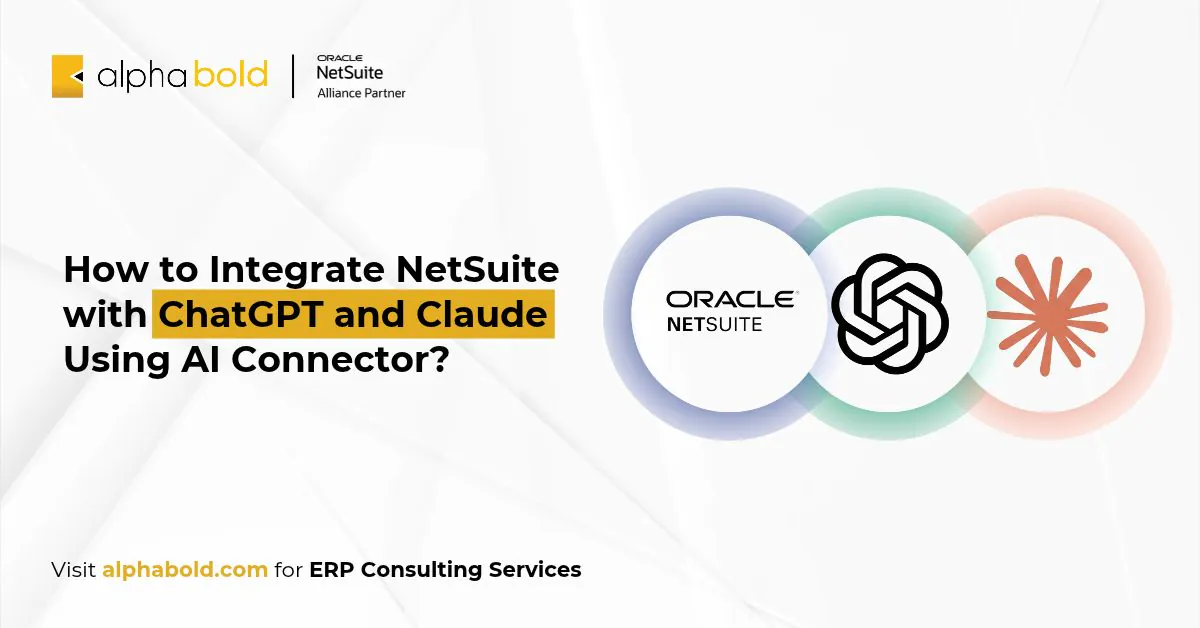
A direct NetSuite ChatGPT integration or NetSuite Claude integration offers a different approach. Using Oracle’s AI Connector Service, assistants can retrieve live NetSuite data under the permissions of the connected user’s role.
In this guide, we’ll walk through the setup steps, how to choose between the two assistants, and the controls to set before rollout.
How Does a NetSuite ChatGPT Integration or NetSuite Claude Integration Work?
Both run on Oracle’s NetSuite AI Connector Service, which connects external AI assistants to NetSuite via the Model Context Protocol (MCP). Users and the AI only see and access what their NetSuite role allows.
With the free MCP Standard Tools SuiteApp, a connected assistant can:
- Create, read, and update records
- Run reports and saved searches
- Execute read-only SuiteQL queries
Developers can add custom tools in SuiteScript 2.1. Our NetSuite AI Connector Service explainer covers the architecture in depth.
How Does a NetSuite MCP Integration Keep Data Secure?
A NetSuite MCP integration uses OAuth 2.0 with PKCE and an account-specific server URL. Every tool call runs with the permissions of the role the user signs in with.
Oracle builds in three safeguards:
- No administrator access. The service will not run under the Administrator role or any role with full permissions.
- Tools define the boundary. Tools cannot call external APIs or run elevated scripts, and the AI can only perform actions defined in the tools.
- Returned data follows the AI provider’s policy. Once data reaches ChatGPT or Claude, that provider’s privacy terms apply.

NetSuite permissions control which records an assistant can access, but they do not determine how ChatGPT or Claude handles information after retrieval. Organizations should review their AI provider’s data retention, model training, and administrative policies before connecting sensitive financial or customer information.
How Do You Set Up a NetSuite ChatGPT Integration or NetSuite Claude Integration?
The NetSuite setup is the same for both assistants.
- Enable required features. Go to Setup > Company > Enable Features. On the SuiteCloud subtab, turn on Server SuiteScript and OAuth 2.0, plus REST Web Services for the MCP Standard Tools SuiteApp.
- Install the MCP Standard Tools SuiteApp. Search the SuiteApp Marketplace for “MCP Standard Tools” and install it.
- Configure a non-administrator role. Under Permissions > Setup, add MCP Server Connection and Log in using OAuth 2.0 Access Tokens, plus REST Web Services if users need to create or update records. Confirm the role can access the SuiteApp folder in the File Cabinet.
- Connect the AI client using the steps below.
How Do You Connect the NetSuite Claude Connector?
Oracle supports the NetSuite Claude connector on Claude Pro or higher.
In Claude, go to Search and tools > Add connectors, select NetSuite under the Web tab, and click Connect. Enter your account-specific MCP server URL:
https://<accountid>.suitetalk.api.netsuite.com/services/mcp/v1/suiteapp/com.netsuite.mcpstandardtool.
Replace <accountid> with your NetSuite account ID. Then go to Manage connectors, click Connect, and authorize access using a non-administrator NetSuite role.
NetSuite creates an integration record under Setup > Integration > Manage Integrations after the first connection. If the record is pending, an administrator must enable it before the tools respond.
How Do You Connect the NetSuite ChatGPT Connector?
The NetSuite ChatGPT connector is available as the NetSuite app in ChatGPT. Click Apps in the sidebar, search for NetSuite, click Connect, sign in to NetSuite, and choose a non-administrator role.
Oracle notes that some ChatGPT plans require Developer Mode to use MCP connectors. Because ChatGPT uses dynamic callback URLs, NetSuite may need a new integration record for each connection.
How Do You Test Your NetSuite ChatGPT or Claude Integration?
Once connected, verify that the assistant can retrieve NetSuite data accurately and respects the selected user’s permissions.
Start with three checks:
- Read access: Ask ChatGPT or Claude to retrieve a saved search or report that the selected role can access.
- Data accuracy: Compare the returned figures with the same report in NetSuite, using identical filters and reporting periods.
- Role permissions: Try requesting a record outside the user’s permitted access and confirm that the assistant cannot retrieve it.
Administrators can also review the MCP Execution Log to check tool-call activity, errors, and connection issues. The log is useful for troubleshooting but does not provide a complete transcript of AI conversations.
Planning a NetSuite ChatGPT integration across finance and operations?
Connecting ChatGPT or Claude to NetSuite requires more than enabling the connector. AlphaBOLD's NetSuite consultants can help configure your MCP roles, validate connections, and plan a phased rollout tailored to your business needs.
Request a ConsultationWhat Can Finance and Operations Teams Do with NetSuite AI Integration?
Once connected, ChatGPT or Claude can help teams retrieve and analyze NetSuite records without manually exporting the same data for every question.
| Team | Example prompt | NetSuite capability |
|---|---|---|
|
Finance |
Compare this month’s actual expenses with last month’s by department. |
Financial reports and saved searches |
|
Accounts receivable |
Show invoices overdue by more than 60 days, grouped by customer. |
Saved searches and SuiteQL |
|
Operations |
Identify open purchase orders past their expected delivery dates. |
Record retrieval and queries |
The assistant’s results depend on the user’s role, the tools available, and how the underlying NetSuite data is configured.
Should You Choose NetSuite ChatGPT Integration or Claude?
Choose the assistant your organization already licenses and governs. Both use the same Service and role permissions, so the differences sit on the client side.
| Factor | NetSuite Claude Connector | NetSuite ChatGPT Connector |
|---|---|---|
|
Where to connect |
Search and tools > Add connectors |
Apps > search NetSuite |
|
Plan requirement |
Claude Pro or higher |
Some plans require Developer Mode |
|
Integration record |
Created after first connection; may need enabling |
May need a new record per connection |
|
Coding agent support |
Claude Code |
Codex |
Many organizations run both. A finance team on a NetSuite Claude integration and a sales ops team on a NetSuite ChatGPT integration can share one SuiteApp and one role design.
What Is New for NetSuite AI Integration in 2026?
NetSuite has extended the service with tools that make AI answers more consistent, as outlined in NetSuite’s 2026 announcement.
- AI Connector Service Companion: Over 100 prompt templates aligned to NetSuite data structures, plus preconfigured MCP-ready roles for CFO, Controller, AR/AP Analyst, and Treasury.
- Skills: Reusable NetSuite-specific instructions and context that help support AI models produce consistent outputs.
- MCP Apps: Interactive interfaces inside the AI client, including the Prompt Library, Record Selector, and Report Filters apps.
- Analytics Warehouse access: Extends AI access to historical, analytical, and third-party data stored in NetSuite Analytics Warehouse.
NetSuite’s next round of updates is expected at SuiteWorld 2026, held October 25 to 28 in Las Vegas.
What Governance Should a NetSuite AI Integration Have Before Rollout?
Settle these controls before the first user connects, as recommended by Oracle’s FAQ.
- Least-privilege roles. Grant only the permissions each team needs and avoid high-privilege roles.
- Approved clients only. Maintain an internal approval process and do not allow users to connect to unapproved MCP servers or tools.
- Log review. The Execution Log records user, time, status, and request details for 21 days in production and 7 days in Sandbox.
- Concurrency planning. MCP requests share account concurrency limits with other integrations, and admins can allocate limits per integration record.
- Output checks. Verify AI answers against NetSuite data, since AI clients can still produce incorrect results.
- Regulated data. The service has not been assessed for HIPAA compliance, so keep ePHI out of scope.
- Read-only pilots. Start with reporting and data retrieval before allowing the assistant to create or update records. Test write-enabled workflows in Sandbox first.
- Human review for updates. Require users to verify proposed changes before the assistant modifies financial, customer, or operational records.
Need Help Governing Your NetSuite AI Integration?
AlphaBOLD's NetSuite consultants can help you establish governance controls, develop custom MCP tools, and plan a phased rollout aligned with your business requirements.
Request a ConsultationConclusion
A NetSuite ChatGPT integration or NetSuite Claude integration gives your teams answers from live NetSuite data, using the same role permissions they already use. Setup carries no NetSuite fee. Success depends on role design, approved clients, log review, and a pilot scoped to one team.
As an Oracle NetSuite Alliance Partner, AlphaBOLD helps finance and operations leaders get that groundwork right. Our NetSuite consultants design MCP-ready roles, set up governance, build custom tools, and run a scoped pilot before wider rollout.
You can talk to AlphaBOLD’s NetSuite AI team to plan your rollout.
Frequently Asked Questions
Is there a cost for a NetSuite ChatGPT integration or NetSuite Claude integration?
There is no NetSuite fee. Oracle states that the AI Connector Service is not a paid feature and that the MCP Standard Tools SuiteApp is free.
Can ChatGPT or Claude change data in NetSuite?
Yes, if the role allows it. The standard tools can create and update records through REST Web Services, while SuiteQL queries are read-only.
Why does the connector say connected but show no tools?
Check that the MCP server URL matches the connection method, the MCP Standard Tools SuiteApp is installed, and the selected NetSuite role has the required permissions. An integration record awaiting administrator approval can also prevent tools from responding.
How is this different from Ask Oracle?
NetSuite describes Ask Oracle as a conversational AI assistant embedded within NetSuite. The AI Connector Service connects your own external assistant to NetSuite data instead.
Do you need a full field service management system if you already use an ERP like NetSuite?
Not every organization needs a complete field service management solution. Basic job tracking or service documentation may be handled through simpler workflows. But when NetSuite field operations involve dispatching, mobile technicians, customer assets, inventory, service history, time, expenses, and billing, a native field service solution can provide a more connected operating model inside the ERP.
Explore Recent Blog Posts
Related Posts
Project Management & Resource Planning